v1.0.0 — out now

Foresight

See exactly what rsync will change — before a byte moves.

A GNOME-native front-end for rsync. Every sync is first a grouped preview — created, updated, deleted, attributes-only — so a mistake is obvious before it runs. Multi-source, sandboxed, engine bundled.

Install (auto-updating) View on GitHub

Signed Flatpak repo — new releases arrive with flatpak update. Prefer a one-off file? Download the .flatpak bundle.

Linux · Flatpak · portals only — no host filesystem access · rsync engine bundled & version-pinned · no telemetry

See it

A GNOME-native window, driven entirely by the bundled rsync. Click any shot to enlarge.
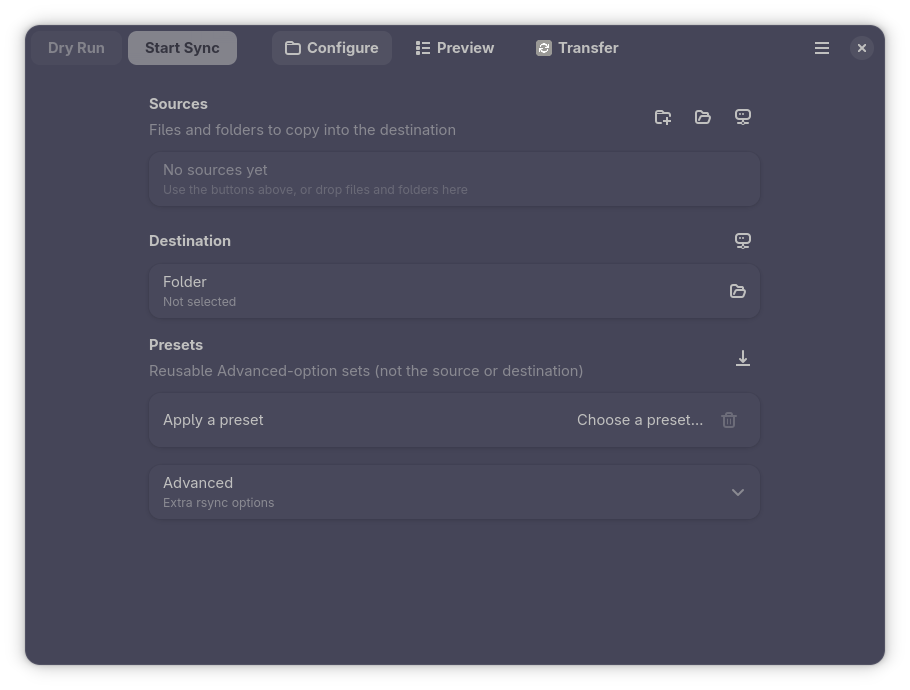
Foresight Configure page, enlarged
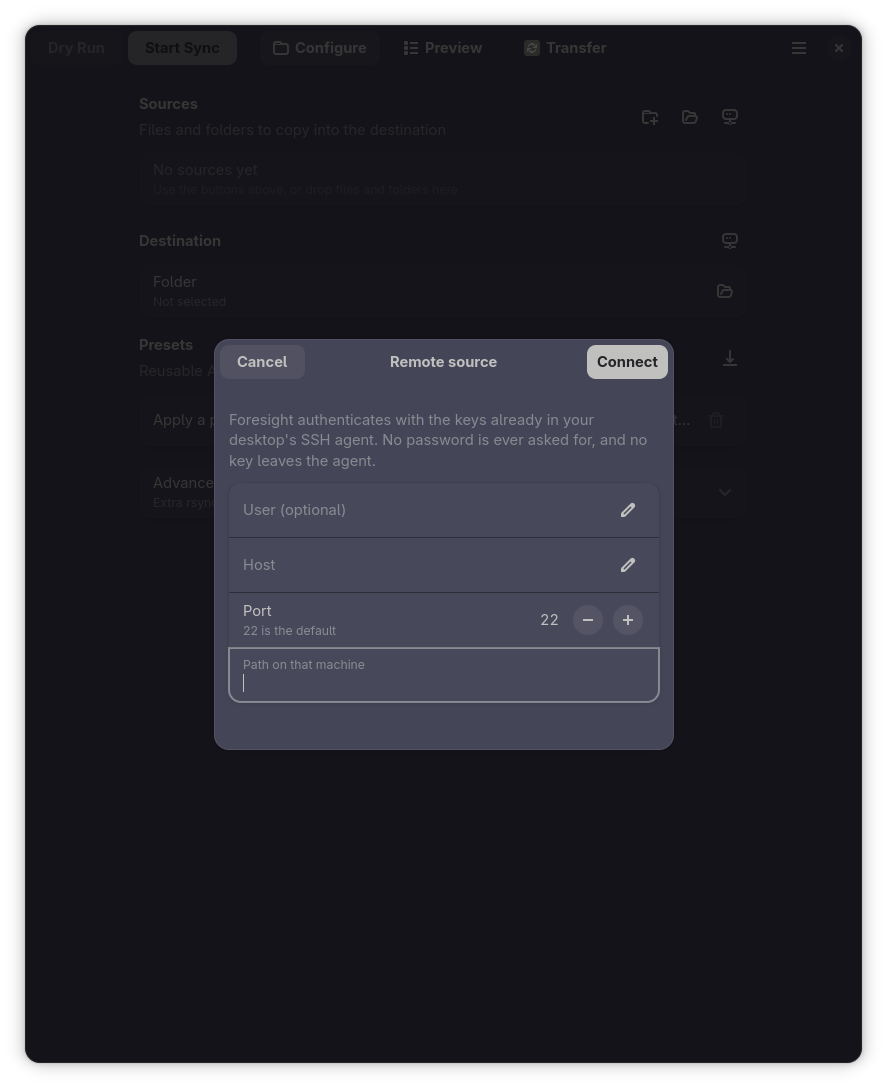
Remote endpoint dialog
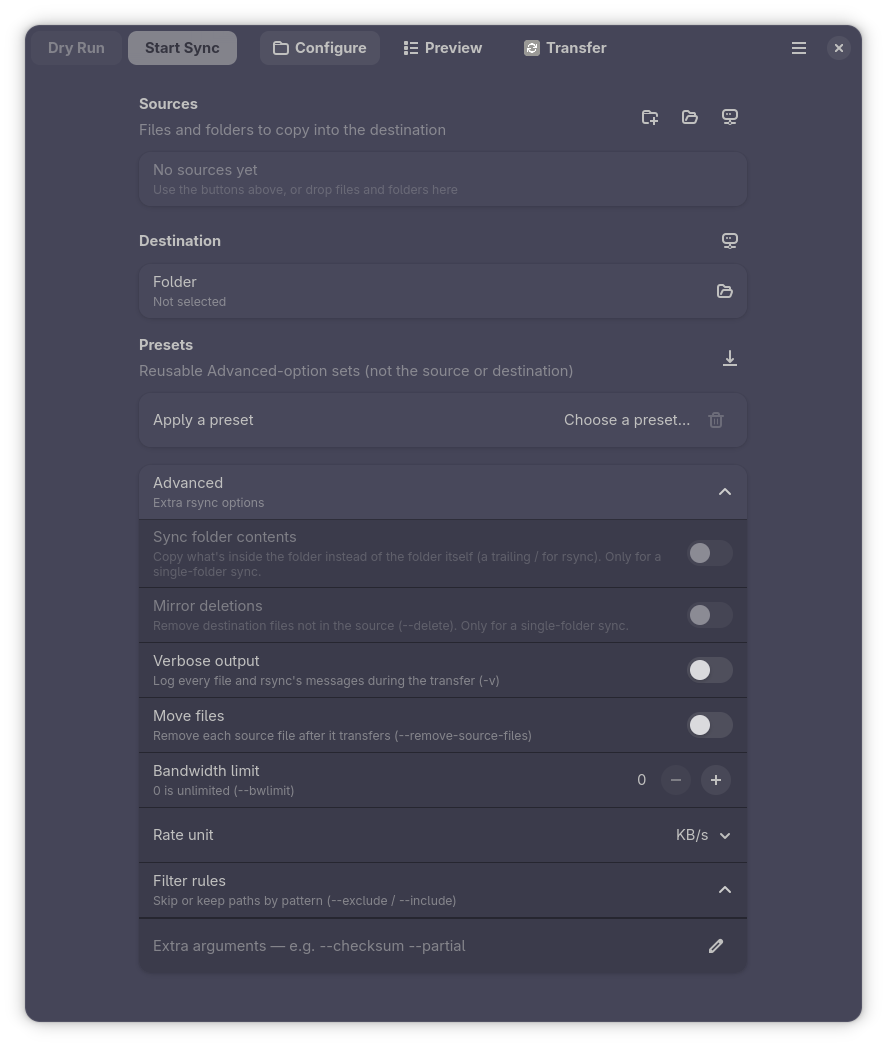
Advanced options, enlarged
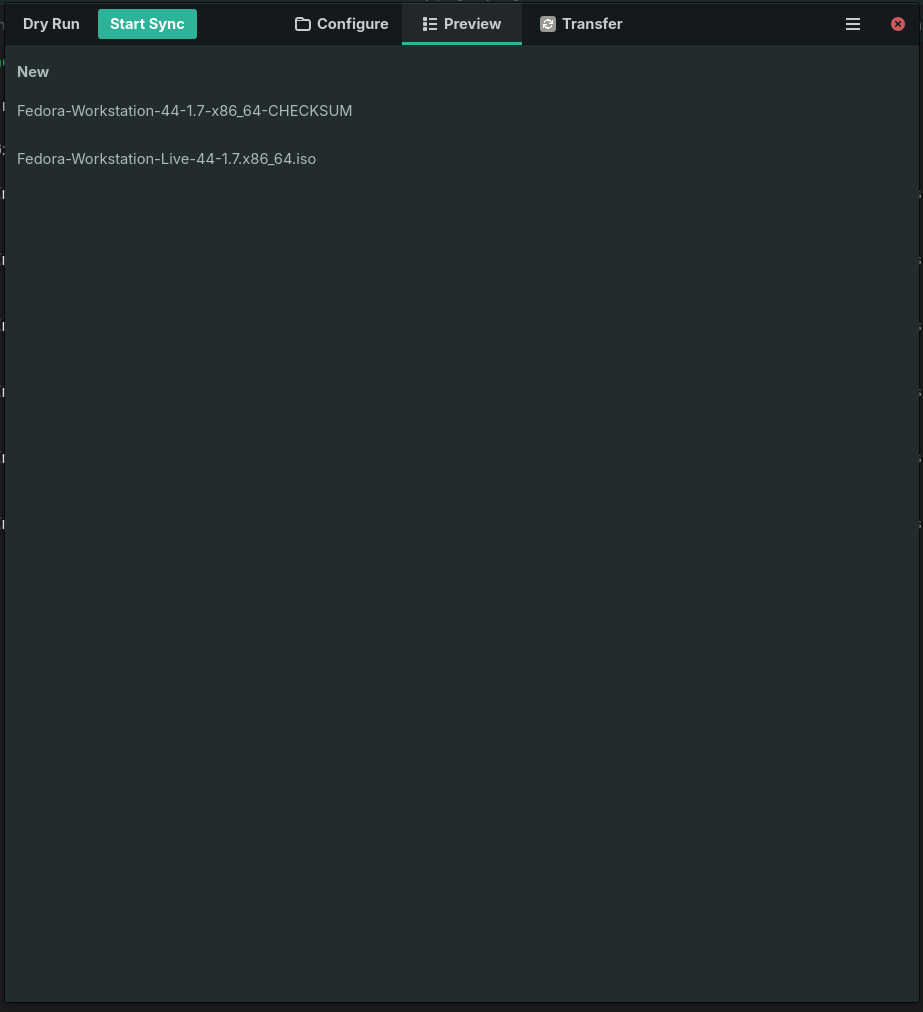
Grouped change preview, enlarged
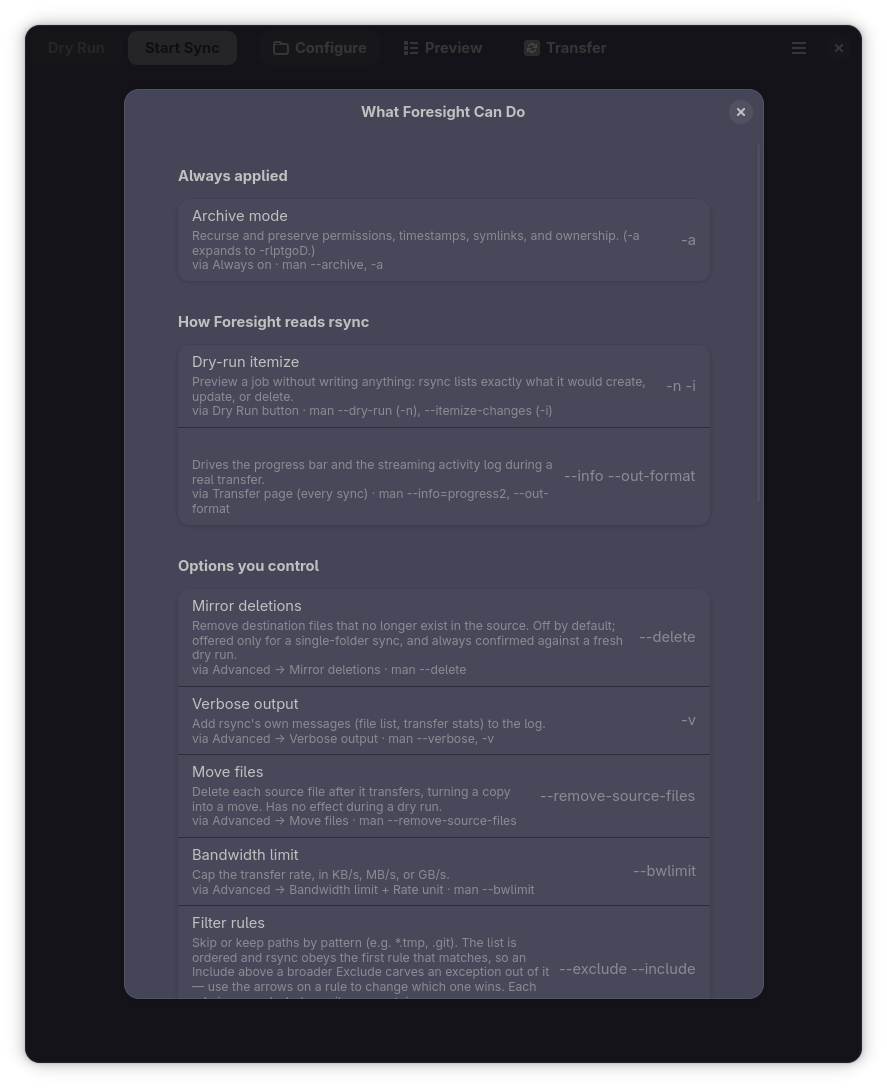
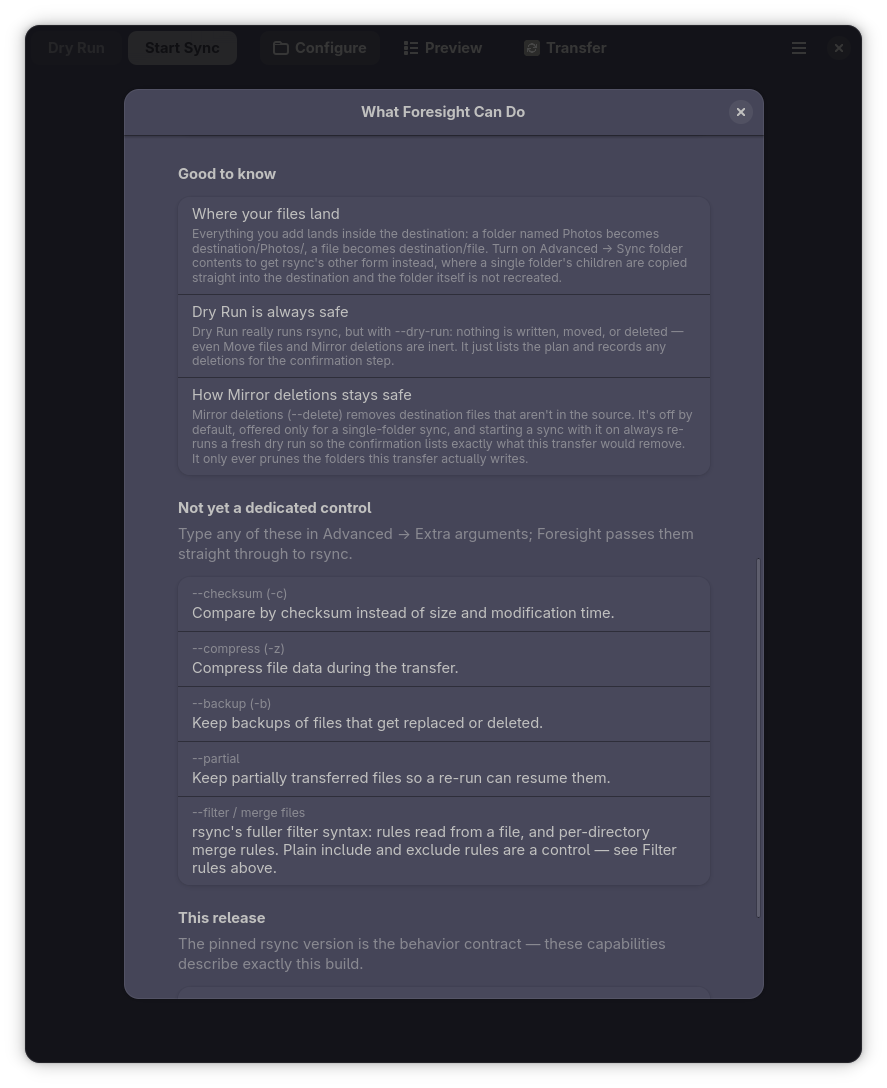
What Foresight Can Do dialog, enlarged
Capability boundary and versions, enlarged
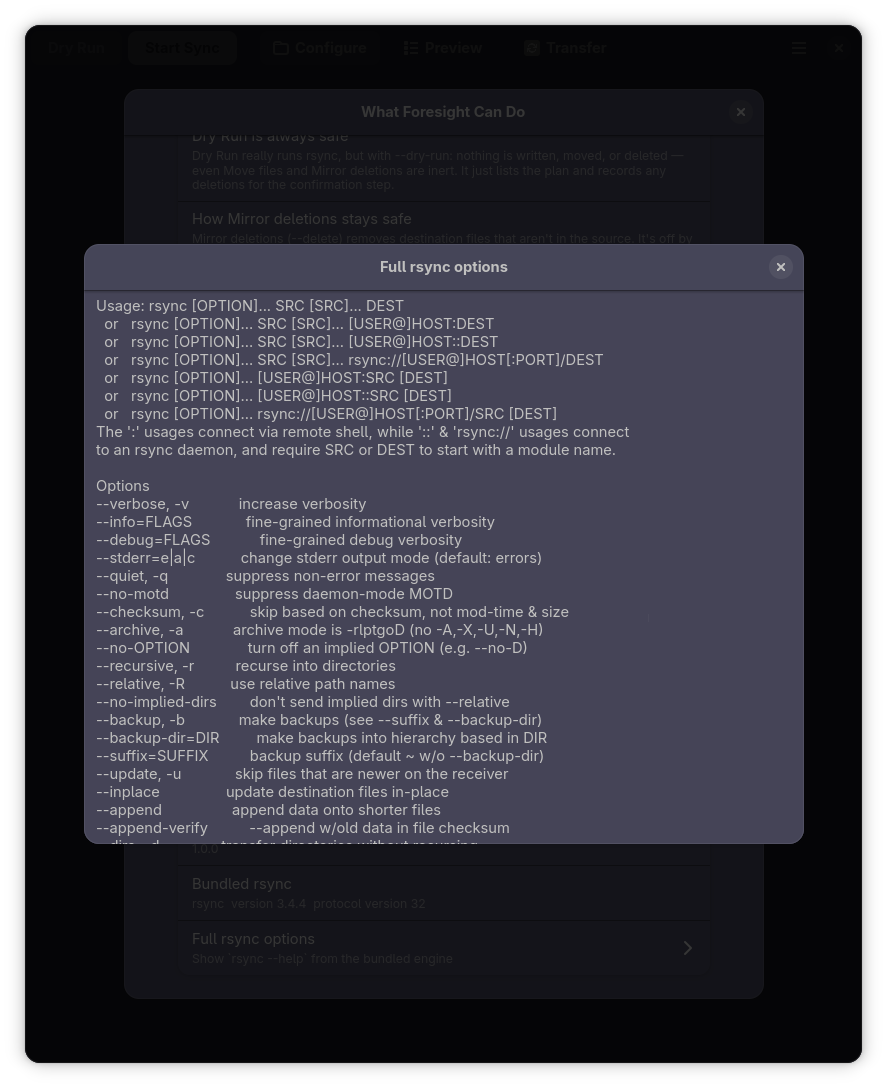
Bundled rsync help output, enlarged

Why Foresight?

Seeing changes before they happen, in a native GNOME app that never touches your whole home directory.

Change preview before sync GNOME-native (GTK4) Sandboxed (portals only) Bundled, pinned engine
Grsync~
Back In Time
rsync CLI (rsync -n)~n/a
Foresight

Features

Everything driven by the bundled rsync — portals only, no host filesystem access.

Preview before you sync

A real rsync -n -i dry run, rendered as a grouped change list — created / updated / deleted / attributes — with deletions shown destructively.

Sources from anywhere

Add files and folders from different locations, each with a remove button, or drop them in from the file manager.

The right semantics, automatically

A single folder mirrors its contents into the destination; a file or several items are collected into it.

Live transfer

A real progress bar, current-file label, a log that opens with the exact rsync … command — and cancel at any time.

Deletions never surprise you

--delete runs a fresh dry run first and makes you confirm the exact list of files it will remove.

Sandboxed by design

A Flatpak that ships rsync 3.4.4 and touches your files only through XDG portals — never --filesystem=home.

…with the flags you actually reach for

The Advanced section covers the common knobs; Extra arguments passes anything else straight through.

Move, not copy

--remove-source-files as a single "Move files" switch — remove each source once it has transferred.

Bandwidth limit, sanely

--bwlimit with a unit picker: cap a big transfer to a disk's speed as 85 · MB/s, not 85000 KB/s.

Filter rules & an escape hatch

An ordered list of Include and Exclude patterns — rsync obeys the first rule that matches, so moving one up changes which wins. The Extra arguments field forwards any other rsync switch, tokenised — never through a shell.

Roadmap

Honest about what works today and what's next.